Ga naar inhoud

Screenshots

These pictures are made from the current code each time the website is built. Each one shows the screen a door caller sees in a CP437 terminal, drawn in the IBM VGA font.

Title screen

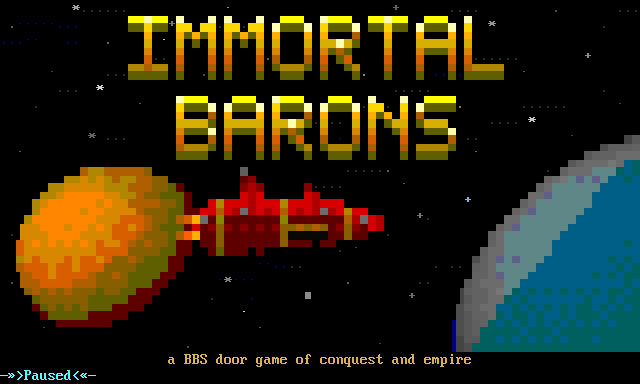
The title screen: the words Immortal Barons in gold block letters over a star field, with an orange planet and a red spaceship on the left and a blue planet on the right.

Entry menu

The first menu you see when you enter the game.
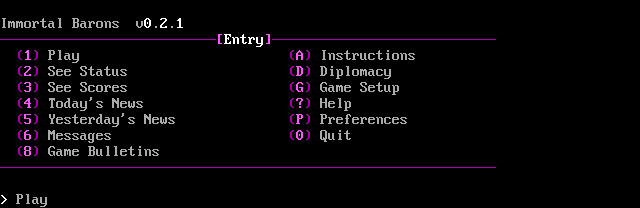
The Entry menu: two columns of options, including Play, status, scores, news, messages, instructions and preferences.

Empire Status

A new realm's figures: turns, gold, population, support, food, military and regions.
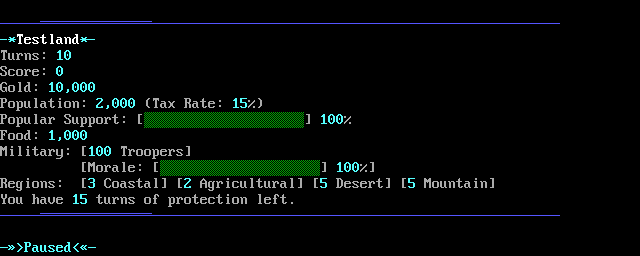
Empire Status for a new realm: turns, score, gold, population and tax rate, bars for popular support and morale, food, troopers, and its regions by type.

Spending menu

Where you buy military units and regions during a turn.
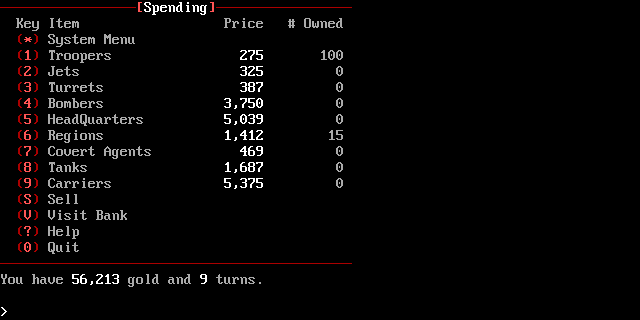
The Spending menu: a list of units and regions with their price and how many you own, and a line showing your gold and turns left.

System menu

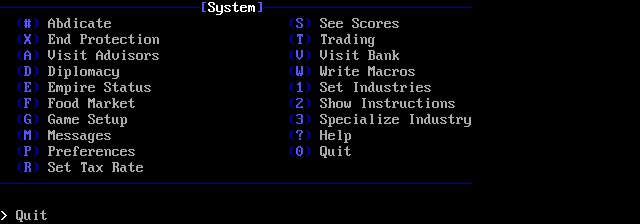
The System menu: two columns of options, including advisors, diplomacy, the bank, messages and preferences.

Bank

The chart shows how full each of the coming days is with investment returns.
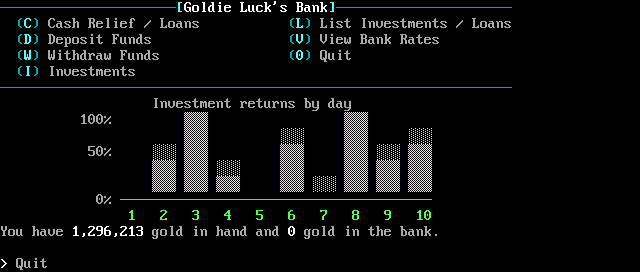
Goldie Luck's Bank: options for loans, deposits, withdrawals and investments, above a bar chart of investment returns due on each of the coming days.

Preferences

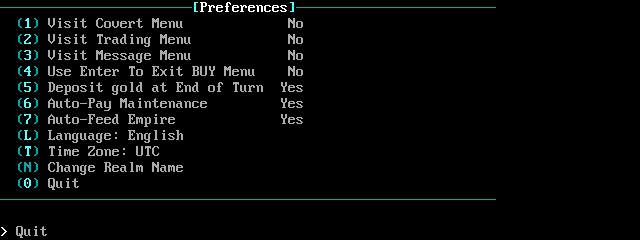
The Preferences menu: which menus to visit each turn, automatic payments, language, time zone and realm name.

About

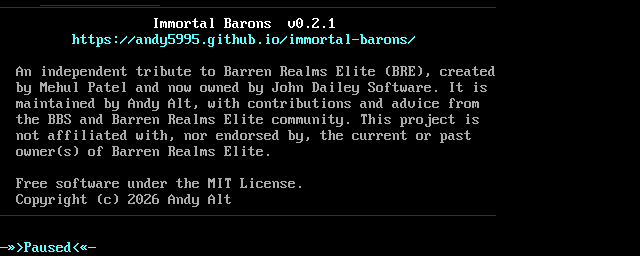
The About screen: the game's name, version and website, and a note that it is an independent tribute to Barren Realms Elite.